The whole flow in ten seconds
Load a clip, drag the trim handles, drop a caption on it, export a GIF. That's the core loop VideoKidnapper is built around.
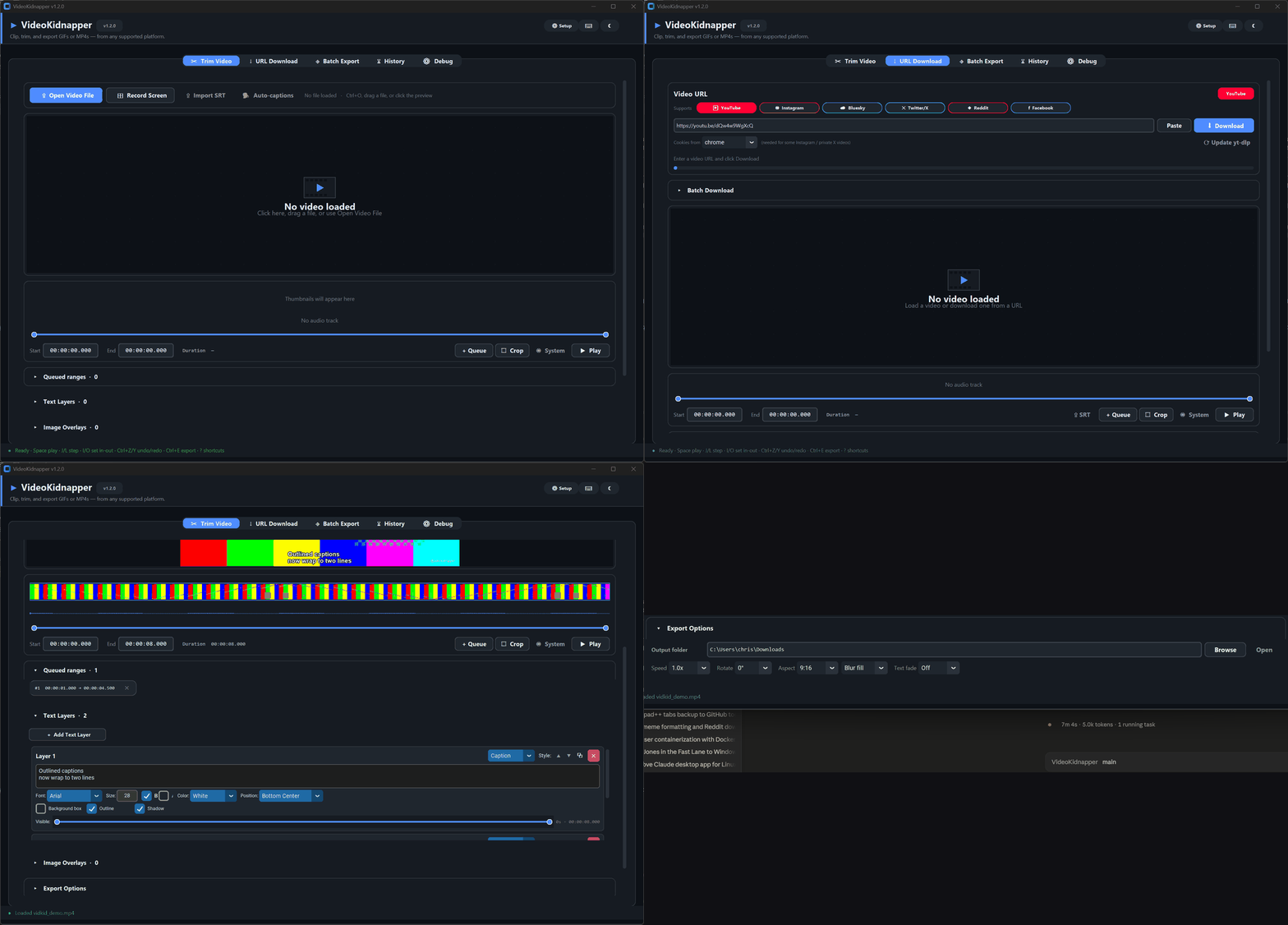
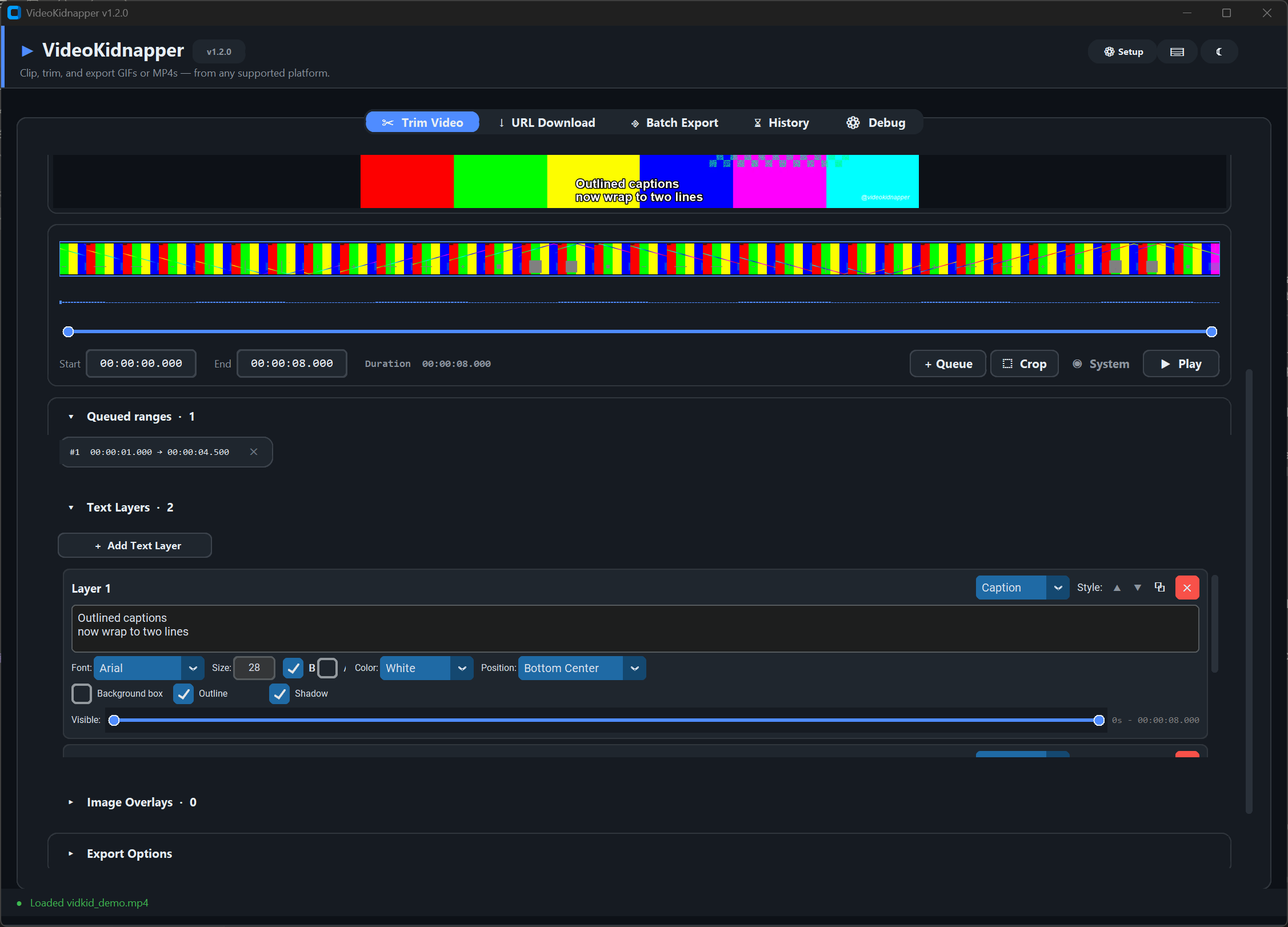
Trim Video — loaded and working
Thumbnail strip for instant seeking, live waveform, a queued range ready to export, and a Caption-style text layer with outline — rendered on the preview exactly as ffmpeg will export it. Bold/italic toggles, multiline captions, and per-layer timing are all in the panel on the right.
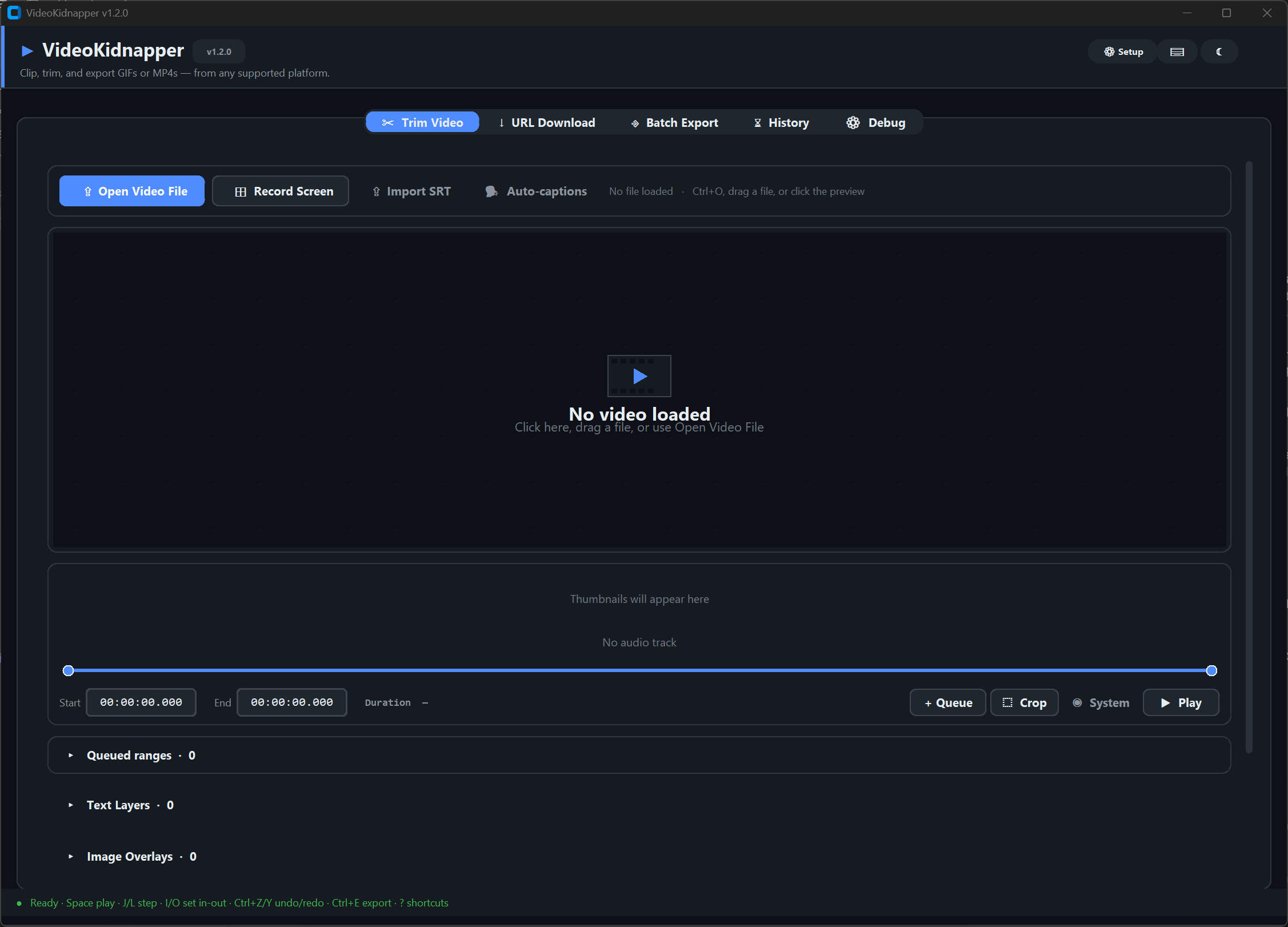
Trim Video — the empty state tells you everything
Click the preview, drag a file in, or open one from disk. Record Screen captures your monitor straight into the trim workflow; Import SRT turns a subtitle file into time-synced caption layers.
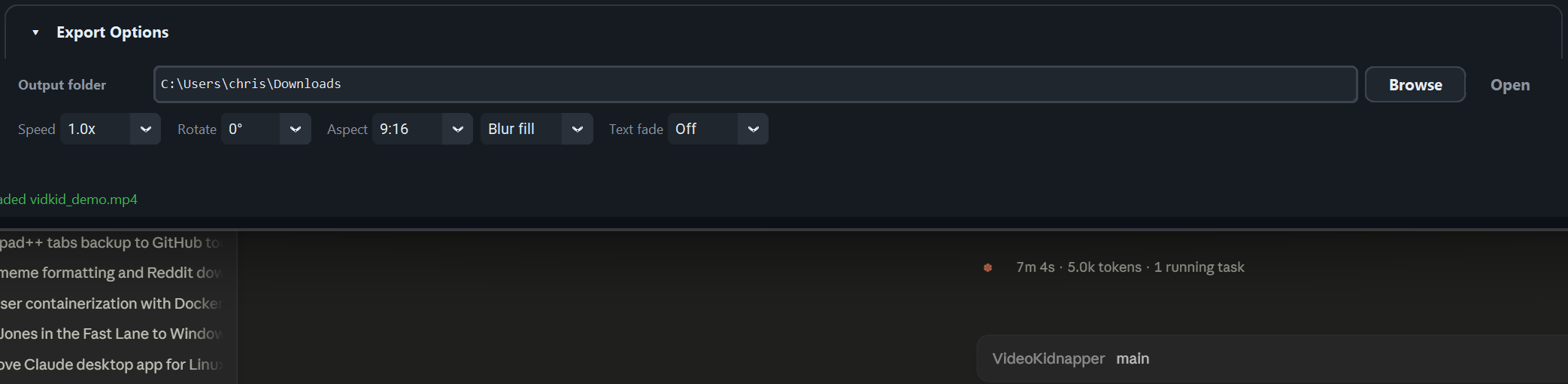
Export Options — every knob in one panel
Speed, rotate, aspect presets with Crop or Blur-fill (the Shorts/Reels look), text fade, color grading, concat transitions — and the GIF row: dither algorithm, motion-weighted palette, loop count.
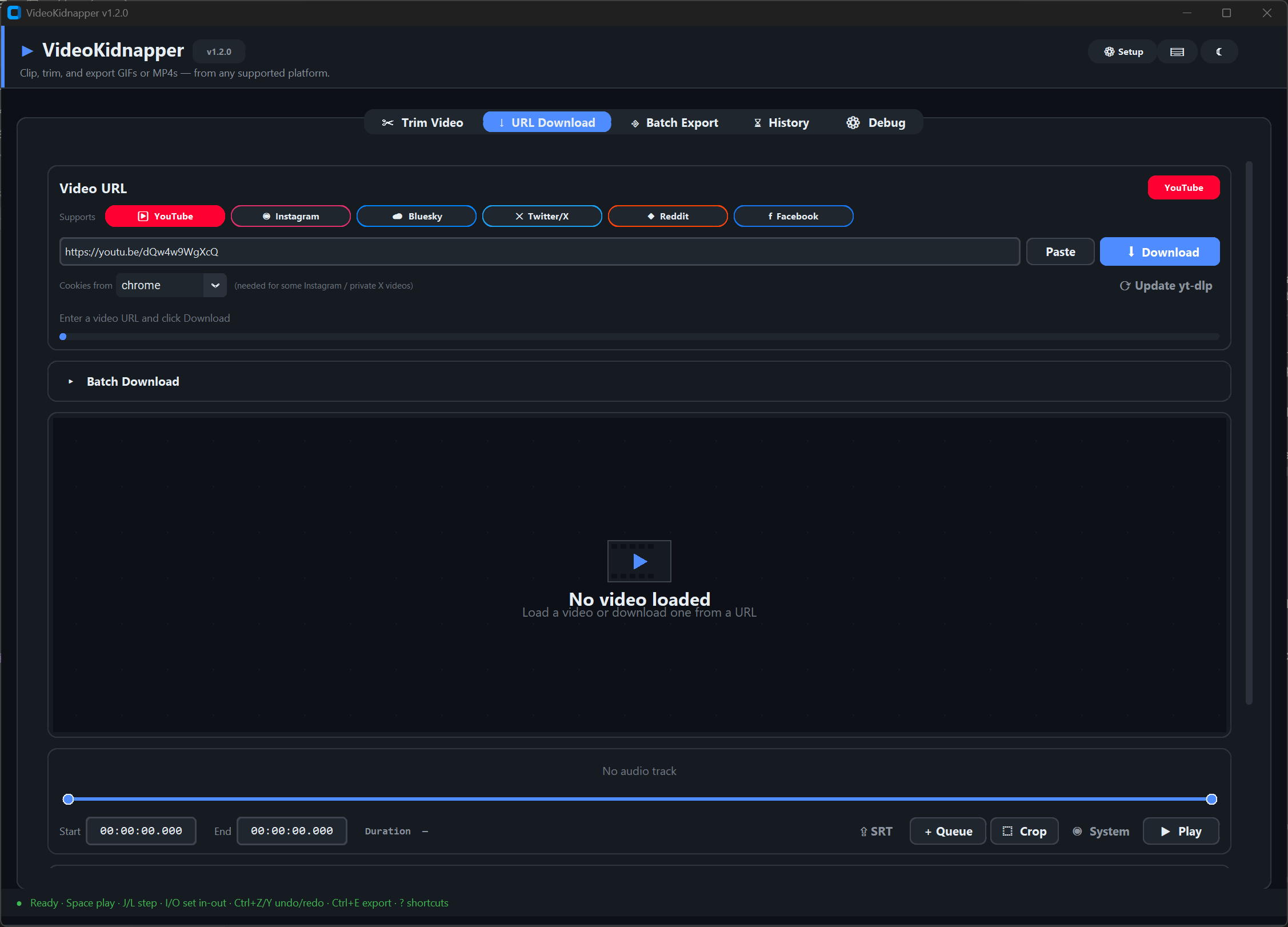
URL Download — paste a link, get a clip
The platform chip lights up when it recognizes the URL: YouTube, Instagram, X/Twitter, Reddit, Bluesky, Facebook. Browser-cookie support handles private videos; downloads retry and resume automatically.
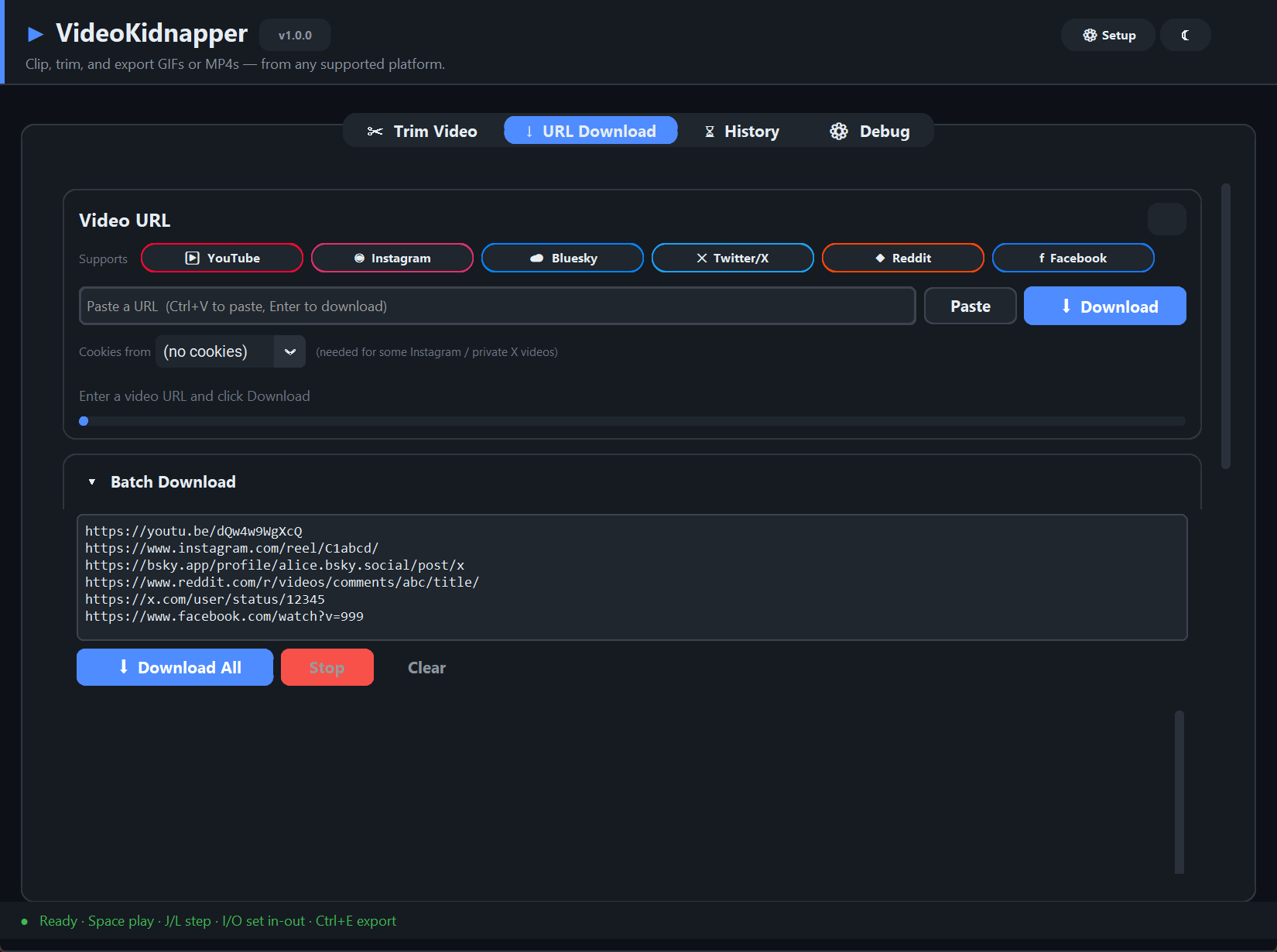
Batch downloads
Paste a list of URLs, download sequentially with per-row status, then hit Use to send any finished video straight into the trim workflow.
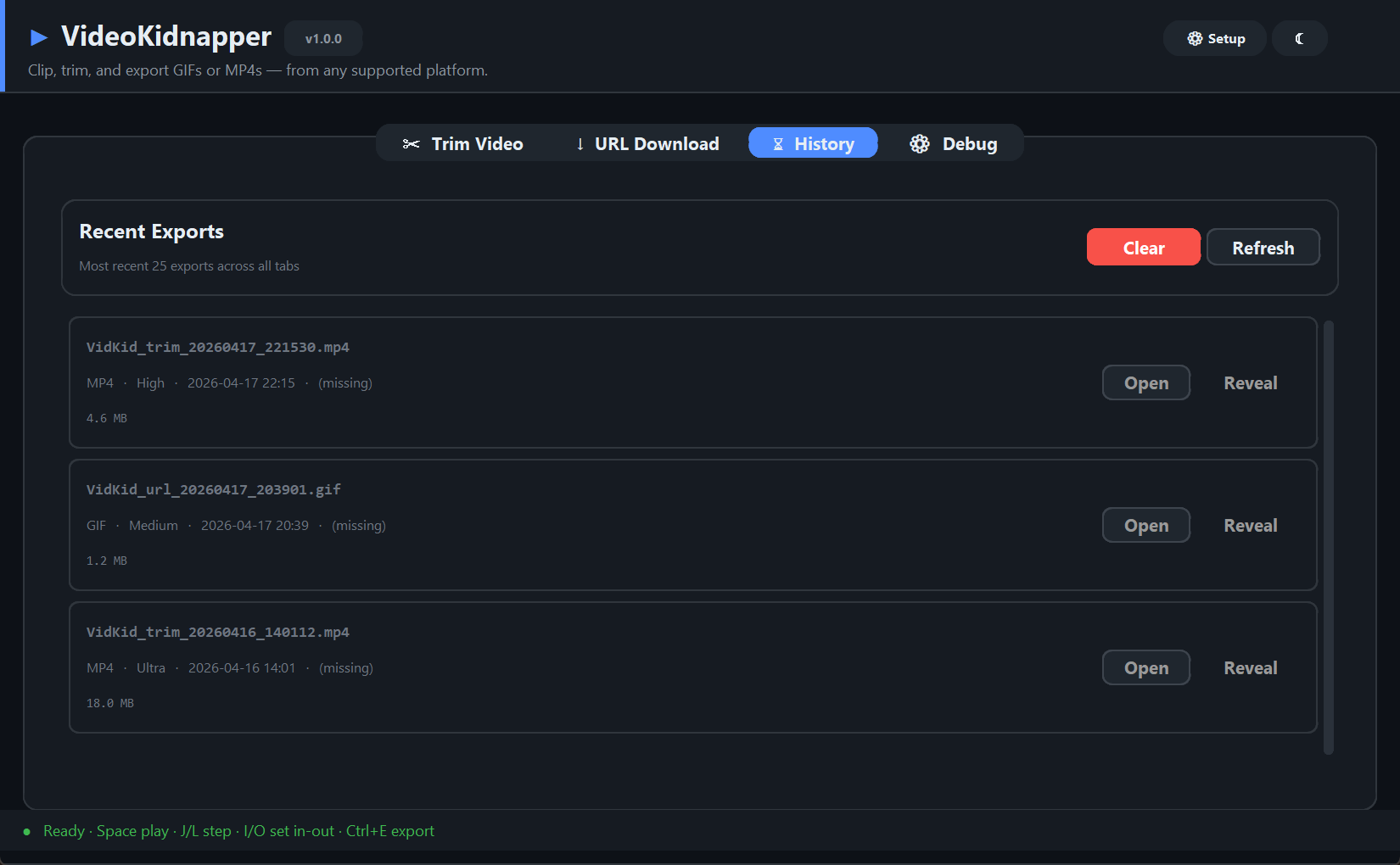
History — your last 25 exports
Format, quality preset, timestamp, and size for every export, with one-click Open and Reveal-in-folder.
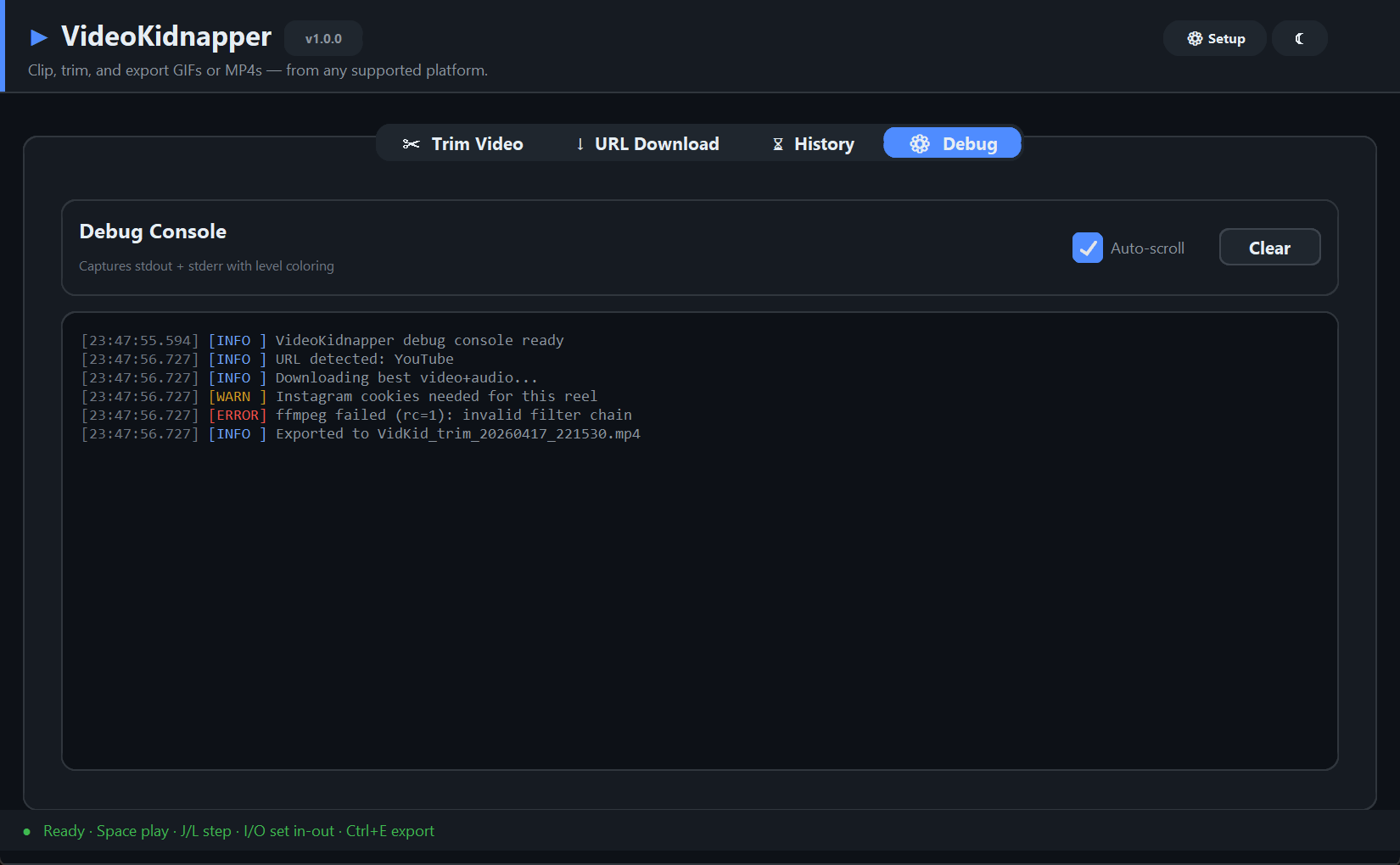
Debug — real errors, not a generic toast
Level-colored logs capture everything, including full tracebacks from background threads. When a download or encode fails, the actual reason is here.
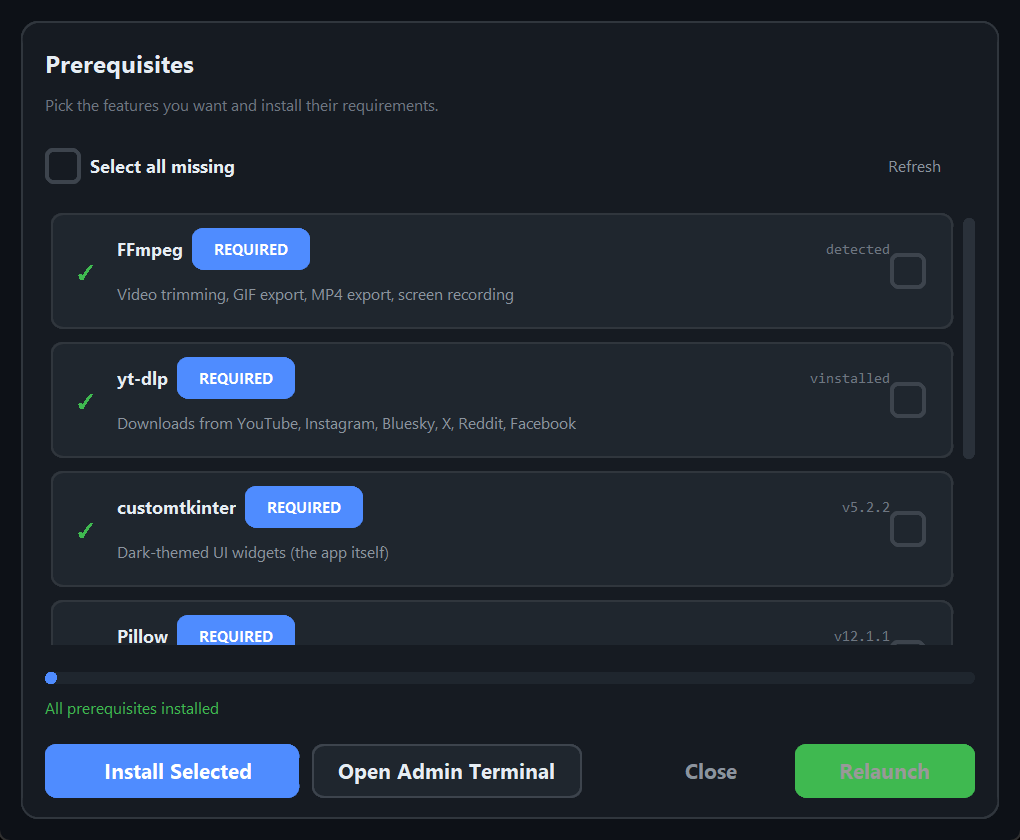
Setup — prerequisites handle themselves
FFmpeg missing? The Setup dialog downloads a portable build or hands you the exact commands for your OS. Optional extras (drag-and-drop, live audio playback, Whisper captions) are one checkbox each.